
First light
A hidden sun lamp throws shafts over the dunes and the title catches its light.
OpenPut video, images and audio on a timeline, trim, change speed, add motion and light effects and export MP4, transparent MOV or PNG. Editing happens on your device; your media are never uploaded.
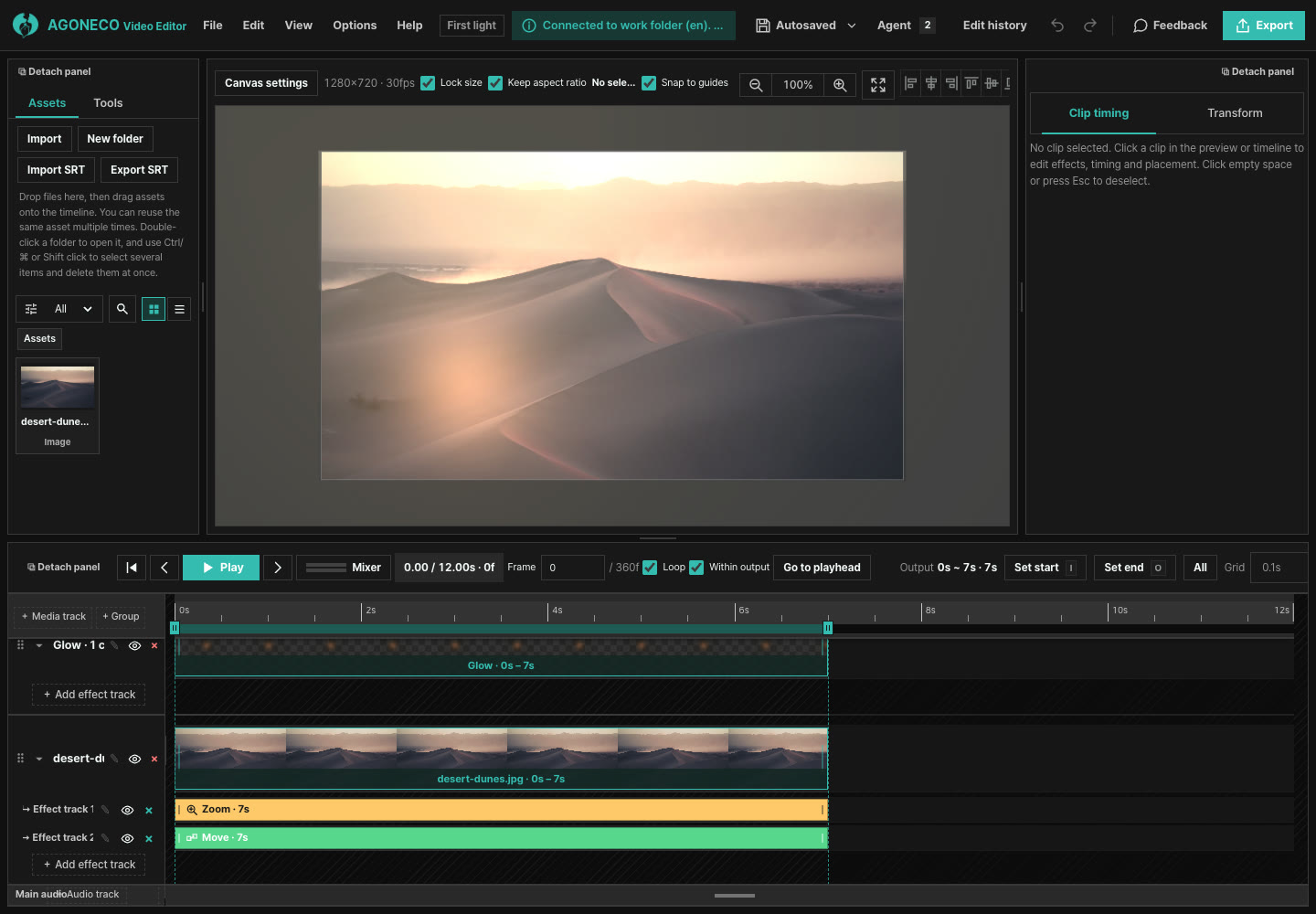
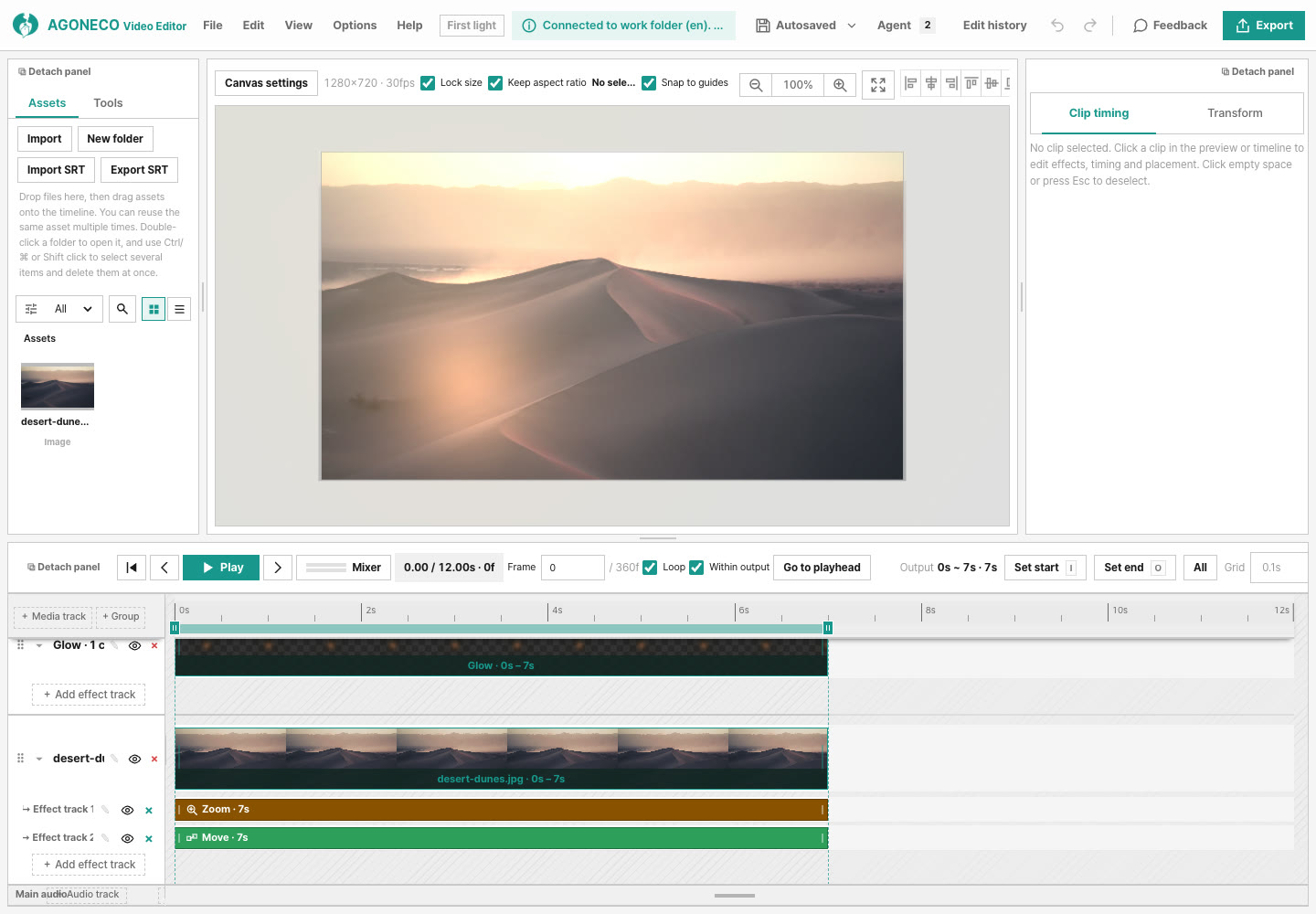
Edit large videos without limits and keep projects saved straight to your computer. Once installed, AI agents such as Claude Code and Codex can edit the same project with you in the app.
Every preview is exported straight from this editor. Hover to play; open one and it lays out in the editor with its sample photos and videos, ready for your own files.
A hidden sun lamp throws shafts over the dunes and the title catches its light.
OpenVertical 9:16 with a neon alley, a hook on top and word-by-word captions.
OpenWarm shafts from a hidden lamp pass over a black-and-white forest.
OpenGreen-to-violet light and star specks drift over an aurora timelapse.
OpenThree photos in one group; the camera pushes in while the day labels change.
OpenStar specks drift over a galaxy fly-through as the title arrives.
OpenRed and blue siren light, a shake, a LIVE tag and a lower third over a city timelapse.
OpenThe camera pushes over a calm sea video as the line reveals word by word.
OpenA bold title, a turning discount badge and a band over a beach sunset video.
OpenA coffee photo dimmed under a quote that appears word by word.
OpenA rain-streaked window cooled down while the line surfaces one word at a time.
OpenA turning ring and shapes over a concrete curve, with type set on the left.
OpenThe camera drives across a desert road video while a lower third and an arrow move.
OpenThe cat pops in over a star field, shakes, fades out, and a subscribe button appears.
OpenBubbles and a ring float up over a fish-school video, then grow and dissolve.
OpenCold light turns warm over a snow-falling forest video.
OpenWhen you only need one thing, such as a trim, a crop or a format change. Everything runs in your browser with no upload, and the result opens in the editor.
Make vertical shorts with a title and captions
Keep the part you need and save MP4
Keep only the part of the picture you want
Convert to MP4, MOV, AVI, WebM, GIF or MP3
Turn the sound up, down or off, with fades
Get the sound as MP3, M4A or WAV
Place video, images, audio and text on tracks; trim, split and change speed.
Layer transitions in and out, shake, float, scale, rotation, position and Ken Burns moves over any range.
Animate light direction, brightness and colour, and add glow, sun-ray and lens-flare lamps with light shafts. Light can follow a lamp.
Add rectangles, stars, arrows, speech bubbles and more; edit size, corners, fill and outline.
Choose fonts, outlines and backgrounds, and make subtitles that appear word by word.
Bundle tracks into one scene clip to move, retime and apply effects together.
Volume curves, fades and pitch; noise gate, EQ, compressor and reverb; silence removal and auto ducking.
Save everything, media included, in one .agnv file; export MP4, transparent ProRes 4444 MOV, PNG, WAV or MP3.
Describe the video you want and an agent builds the project and opens it in the editor. Watch the preview, ask for changes or adjust it yourself, then export.
Paste this prompt into ChatGPT, Claude or another chat assistant and describe your video. It replies with an editor link.
Install the AGONECO desktop app (macOS, Windows) and it adds the agoneco command. Claude Code, Codex and opencode use it to open a project folder in the app: their edits show up at once, and your edits autosave to the folder. Nothing else, such as Node.js, is needed.
Imported media are never uploaded. Autosave stays in this browser. A recent Chrome or Edge is recommended.


